Crack PHP Intelephense with a Local Validation Server and Enjoy Premium Features!
All screenshots were captured on Mac OS X, and the files were opened using Vim.
1. Modify intelephense.js and extension.js
Locate those following files:
~/.vscode/extensions/bmewburn.vscode-intelephense-client-1.12.6/node_modules/intelephense/lib/intelephense.js
~/.vscode/extensions/bmewburn.vscode-intelephense-client-1.12.6/lib/extension.js
I. Modify ~/.vscode/extensions/bmewburn.vscode-intelephense-client-1.12.6/node_modules/intelephense/lib/intelephense.js
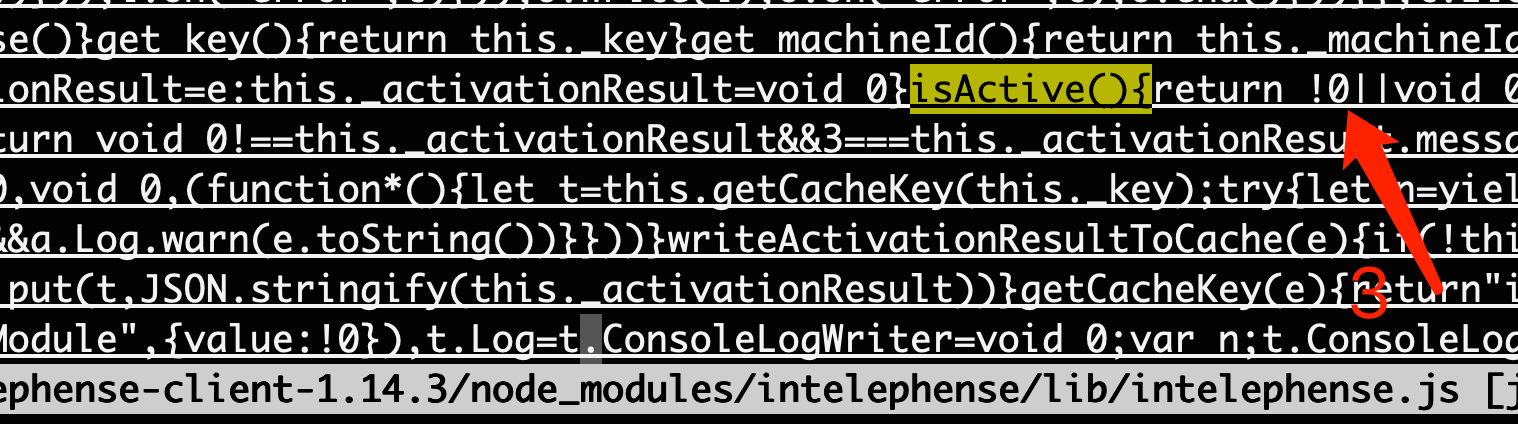
1.1 Find isActive(){ and change the following content from return void 0! to return !0||void 0!.

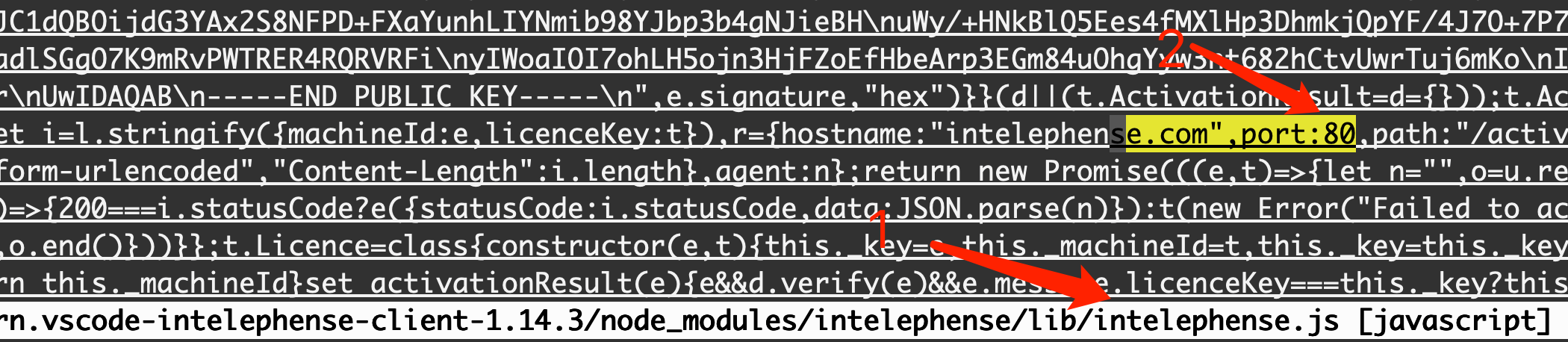
1.2 Find .com",port:443 and change 443 to 80.

1.3 Modify the request settings:
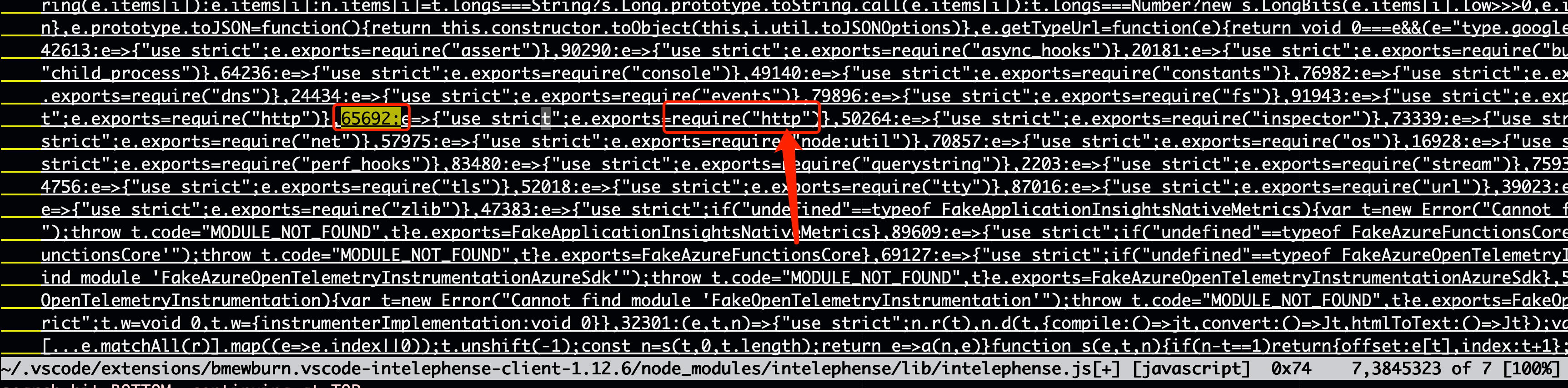
Find 65692: and change require("https") to require("http").
1.4 Modify verify return
Find .verify=function and change .verify=function(e){let t=(0 to .verify=function(e){return !0;let t=(0.

1.5 Save and exit.
2. Modify ~/.vscode/extensions/bmewburn.vscode-intelephense-client-1.12.6/lib/extension.js
2.1 Repeat similar changes:
- Find
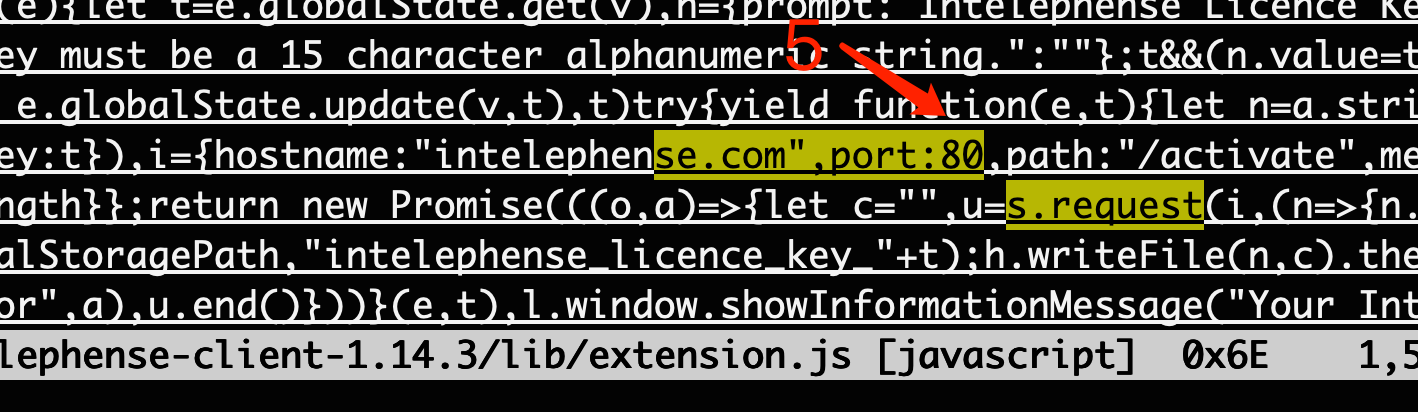
.com",port:443and change it to80(as in step 3.1). - Find
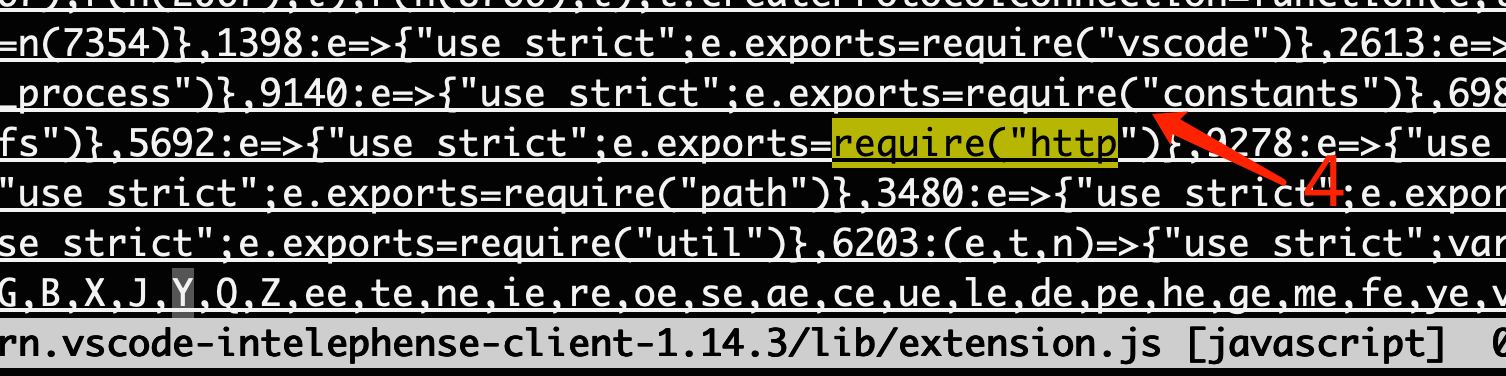
s.requestand5692, then changerequire("https")torequire("http")(as in step 3.3). - Find
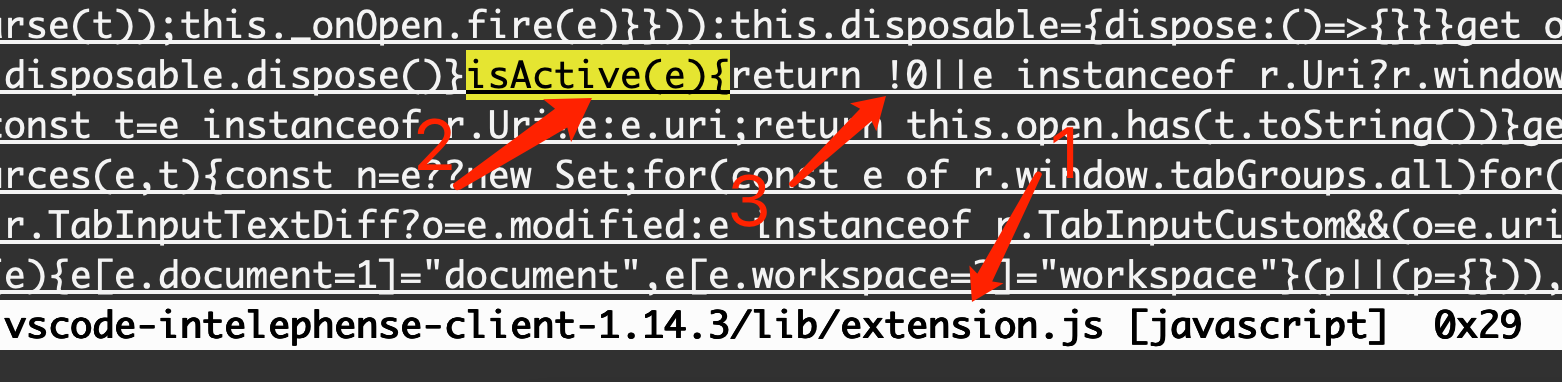
isActive(e){and changereturn e instanceoftoreturn !0 || e instanceof -
Save and exit.



3. config hosts file , map Intelephense.com to 127.0.0.1
# *nix and mac location
/etc/hosts
# windows path
notepad %SystemRoot%\System32\drivers\etc\hosts
# C:\Windows\System32\drivers\etc\hosts
hosts file
127.0.0.1 intelephense.com4. Configure nc or nginx
echo -e "HTTP/1.1 200 OK\r\nContent-Type: application/json\r\nContent-Length: 2\r\n\r\n{}" | nc -l 80 -vor Add the following configuration to your nginx server:
server {
    server_name intelephense.com;
    listen 80;
    index       index.html index.php;
    location /activate {
        return 200 '{}';
    }
}
5. Validate the Server
Check the server logs and ensure everything is working as expected.
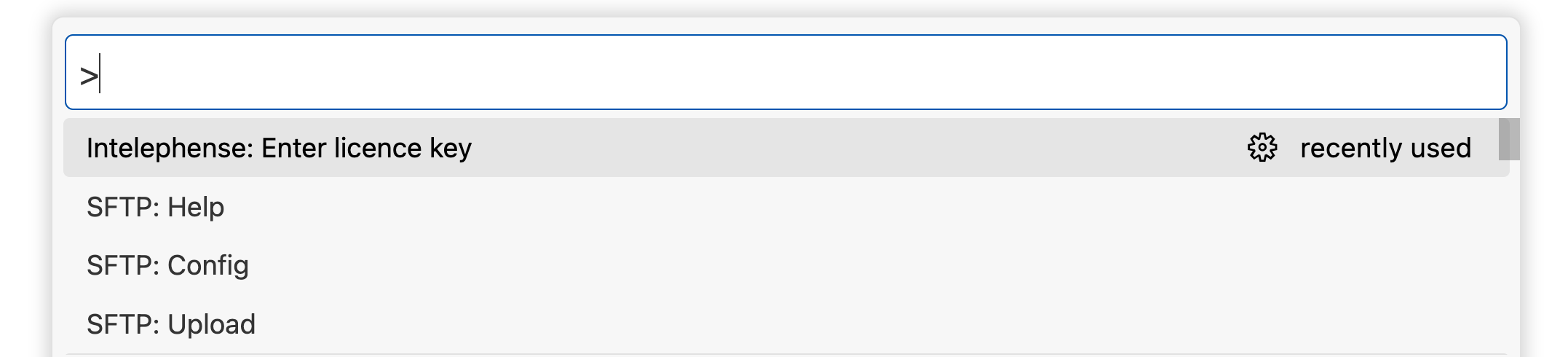

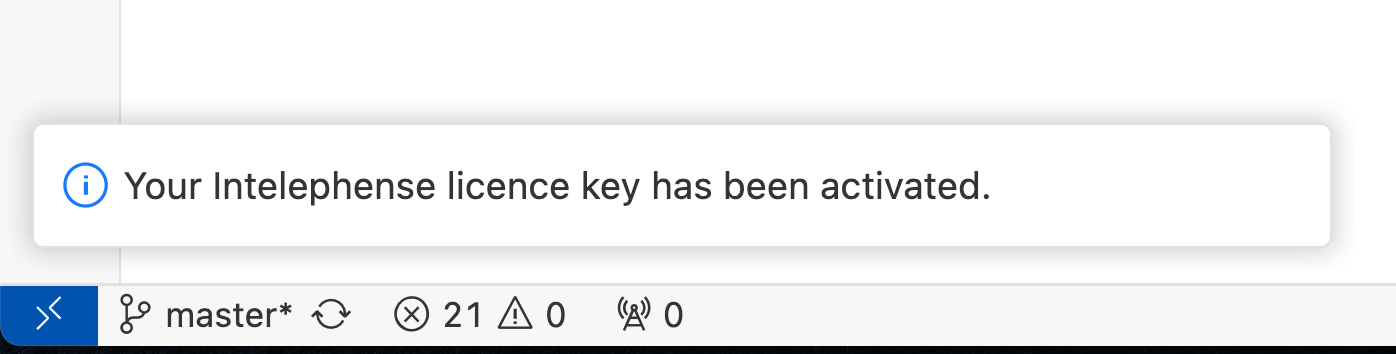
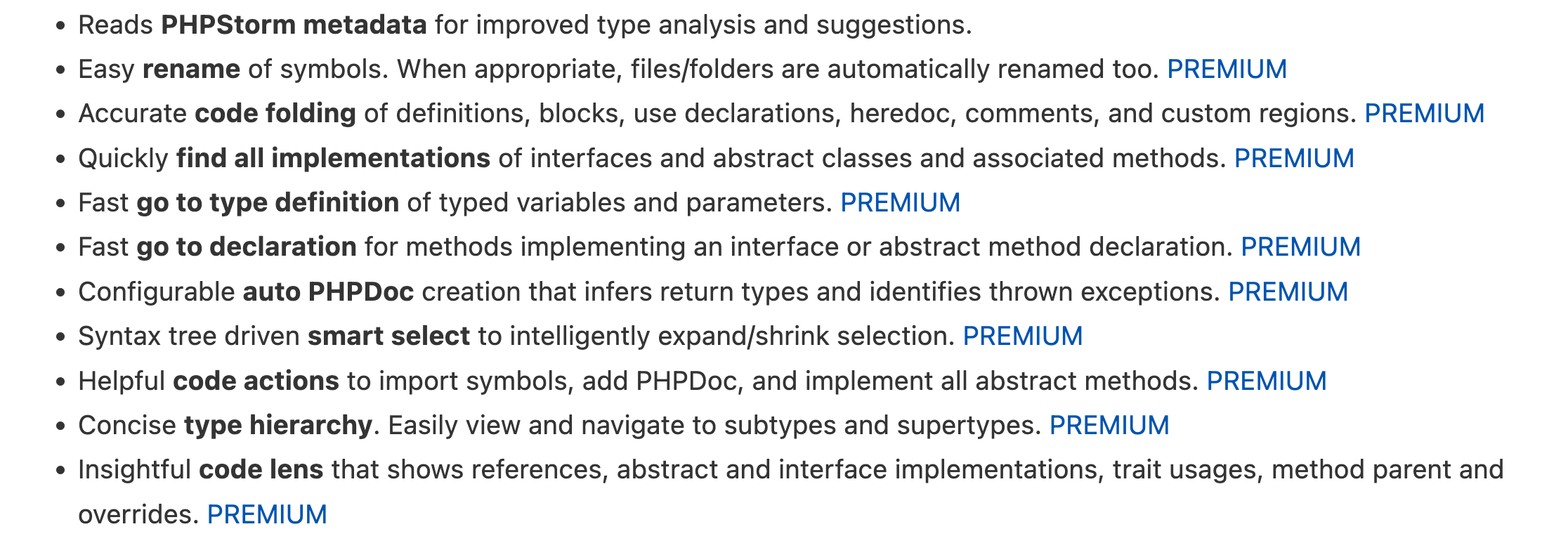
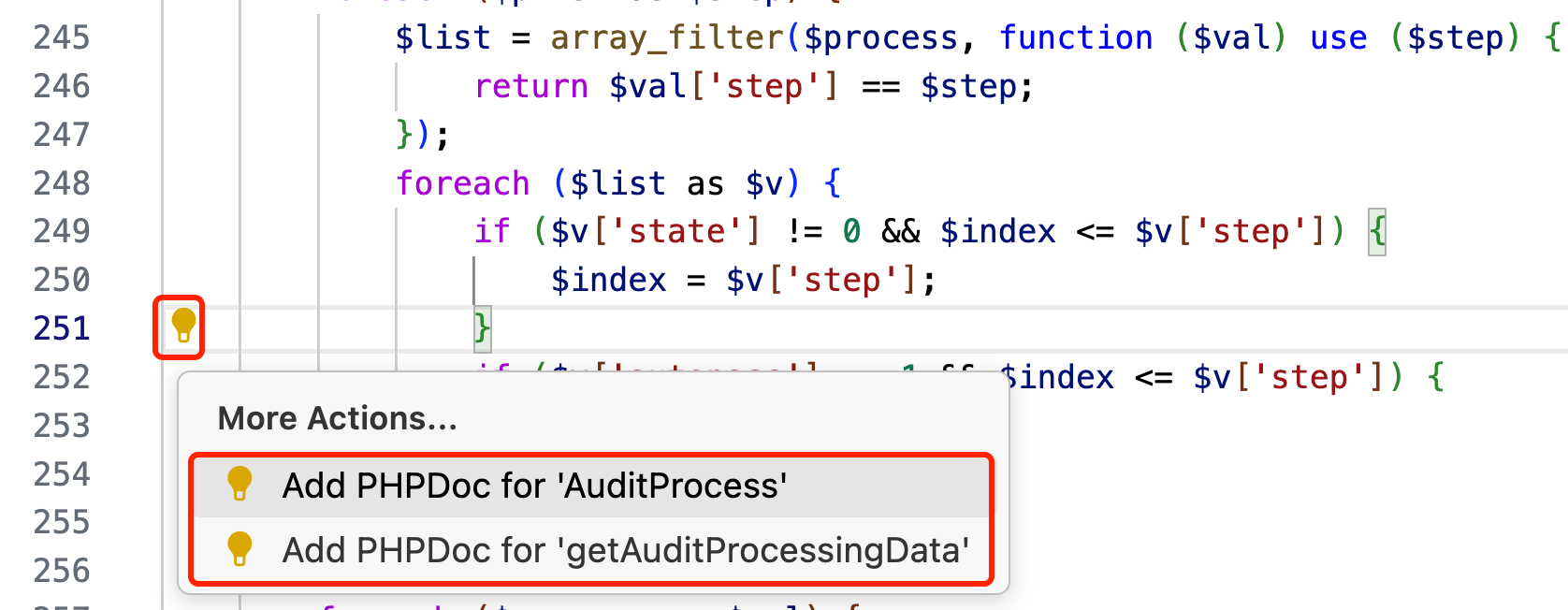
6. last reviews ~/.vscode/extensions
6.1 bmewburn.vscode-intelephense-client-1.14.3/lib/extension.js 3 changes
6.2 node_modules/intelephense/lib/intelephense.js 3 changes
6.3 shutdown your global proxy or just bypass intelephense.com host in your proxy
author: mooring
location: https://codernote.club/notes/256
It is only used for learning and research. If there is any infringement, please contact the author to delete it. mooring[AT]live.com